

Library Security Deposit: How to Collect It and Return It
Key takeaways
- A security deposit is the student's money that you are holding. It is not income, so do not count it as fee revenue.
- Keep the amount modest, enough to cover what you would really lose, such as a lost locker key or a few unpaid days.
- Write the rules before you take it: when it comes back, how long that takes, and what can be deducted.
- Most deposit arguments come from missing records. Show the deposit on its own line on the receipt.
- Libolink tracks deposits apart from fees, shows the total you hold and reminds you when a student leaves.
A refundable security deposit gives a student a reason to leave properly, return a locker key and pay what they owe. It also causes more arguments than almost anything else in a library, usually because nothing was written down. Clear rules and clean records solve most of that.
Should you charge a deposit?
There is no single right answer.
| Charge one if | Skip it if |
|---|---|
| You provide lockers or keys | Nearby libraries do not, and it would put students off |
| Students often leave without notice | You mostly sell short plans paid in advance |
| You are comfortable keeping the records | You are worried about returning it on time |
How much to charge
Look at what you would actually lose if a student left badly: a key, a few unpaid days, damage. Then look at what nearby libraries ask. A deposit that feels too high sends students down the road, however refundable it is.
Whatever you choose, one amount for everyone on a plan is easier to explain and harder to argue about.
The rules to write down
Print these on your rule board and share them when a student joins:
- The amount, and that it is refundable.
- When it comes back: when the membership ends and the student has told you, returned any key and owes nothing.
- How soon: for example, within 7 days.
- Notice: how many days' notice you expect, if any.
- What can be deducted: unpaid fees, a lost key, damage they caused. Keep the list short.
- How it is returned: the same way it came, or by UPI.
Rules like these belong with the rest of your Study Library Rules.
Keep it apart from your income
This is the mistake that costs the most. If the deposit goes into the same total as fees, a month looks better than it was, and you spend money you may have to give back.
- Show it on its own line on the fee receipt.
- Keep a running total of all deposits you hold.
- Do not count it when you work out profit.
- Ask your CA how to treat it in your accounts.
Returning a deposit
- Check the student's fees and any key or locker.
- Work out any deduction, and tell the student the reason.
- Return the money by the date in your rules.
- Record the amount, date, reason and how it was paid.
If a student has been with you for a long time, be generous over small things. A return that feels fair is the reason they recommend you, and the reason they come back.
Common situations
- Student leaves with fees unpaid. Deduct what your rules allow, and show the student the amount.
- Student disappears. Try to reach them, and keep a note of your attempts. Do not quietly add it to your income.
- Student comes back later. If you returned the deposit, decide whether to ask for one again. See A Student Left and Came Back.
How Libolink handles deposits
- On the plan. Set a security deposit on any membership plan. It appears as its own line in Add student, with the total.
- Tracked apart from fees. A payment settles the fee first, and anything beyond that goes to the deposit. Fee revenue does not include deposits.
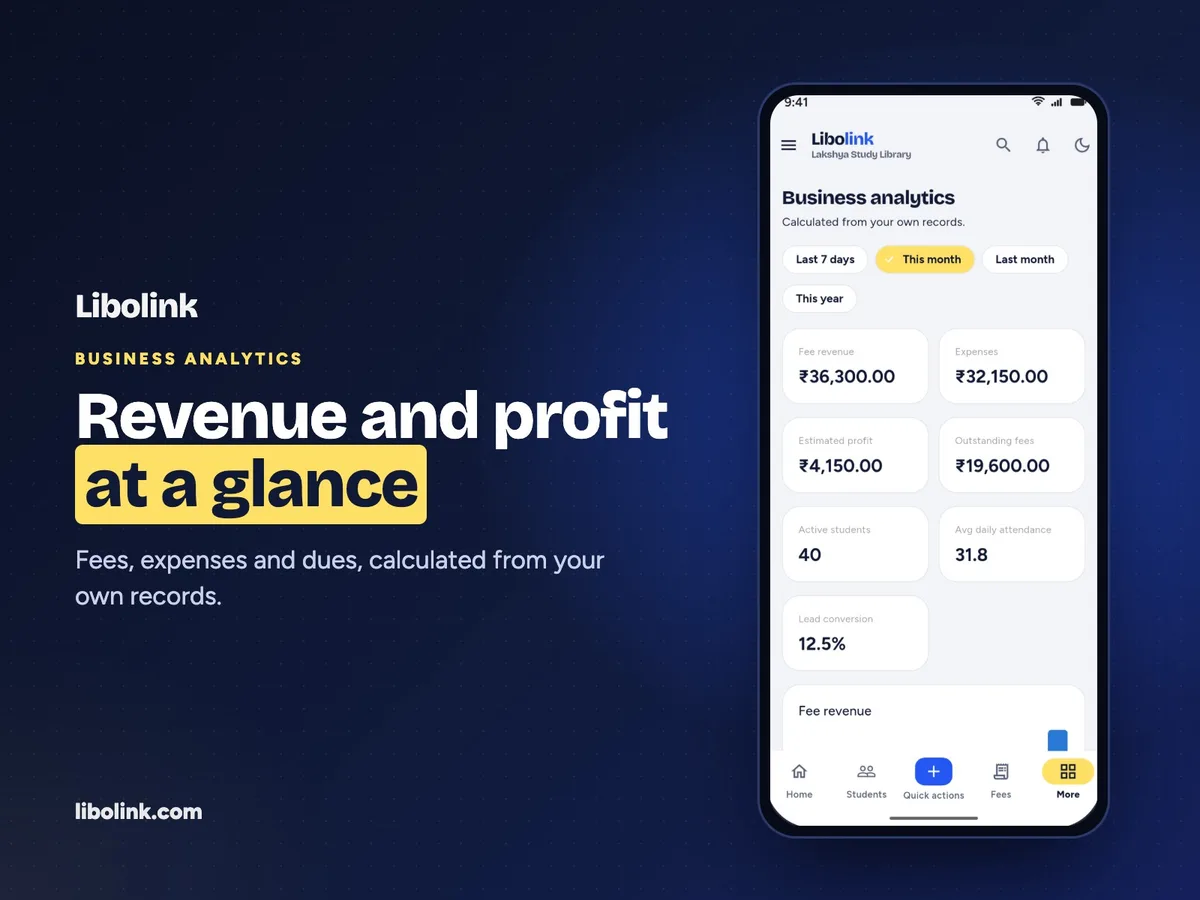
- The total you hold. Business analytics shows Deposits held, so you can always see how much of your cash belongs to students.
- One deposit, not one per renewal. It is taken when the student joins, and renewing from the app does not charge it again.
- Returning it. Open the membership's Account & deposit. You can return all or part of it, up to what you hold, and you must write a reason. Only people with permission to approve payments can do this.
- A reminder when it matters. When a student is marked as left or deleted, Libolink shows the amount you hold, and tells you where to return it.
- Deposits you already hold. When you import from Excel, fill in Security deposit and Deposit already received, so old deposits are not lost.
To see this with your own plans, start a free 30-day trial. No card is needed.
Frequently asked questions
How much security deposit should a study library charge?
Enough to cover what you would really lose, such as a lost key or a few unpaid days, and in line with what nearby libraries ask. A deposit that feels too high puts students off.
Is a library security deposit refundable?
It should be, under rules you write down in advance: when it comes back, how soon, and what can be deducted. Share them when the student joins.
Can I deduct unpaid fees from the deposit?
If your written rules allow it, yes. Tell the student the reason and the amount, and record it.
Is a security deposit counted as income?
Treat it as money you are holding for the student, and keep it out of your profit figures. Ask your CA how to show it in your accounts.
How do I return a deposit in Libolink?
Open the membership's Account & deposit and return all or part of it, up to what you hold, with a reason. Only people allowed to approve payments can do this.