

Smart Door Lock and Biometric Attendance for a Study Library
Key takeaways
- One tap and the door opens: no QR code to scan, no fingerprint, no card or key. The door box checks everything by itself and lets the student in.
- The Libolink smart door opens from the student's own Libolink app, only when their plan is active, inside your door hours, and only when they are standing at the door.
- Opening the door also marks attendance, so the entry gate and the attendance register become one step.
- Fees are checked at the door: after the grace days you set, a student with unpaid fees sees what is due instead of an open door.
- Owners and staff open the door from their phone from anywhere, and every opening is logged with the name and time.
- Already have a fingerprint or face machine? Machines with a cloud server setting (eSSL and ZKTeco types) are connected on request, so a punch becomes a check-in in Libolink.
A study library's front door does three jobs: it lets members in, keeps everyone else out, and tells you who came. Most libraries do these with three different things: a guard or a register, a lock and key, and a fee notebook. The Libolink smart door does all three in one tap, and it knows whether the student has paid.
One tap. No scan, no fingerprint, no key
No QR code to scan, no finger on a machine, no card and no key. The student taps once in the Libolink app, the door box checks everything by itself, and the door opens, with attendance already marked.
| The usual way | With the Libolink smart door |
|---|---|
| Scan a QR code at the desk | One tap in the app |
| Put a finger on a machine, and try again when it fails | No fingerprint at all |
| Carry a card or key, then lose it or lend it | Nothing to carry, lose or lend |
| A guard or staff checks who has paid | The door checks the plan and fees by itself |
| Sign the register | Attendance marks itself on entry |
| A queue at the gate at opening time | Each student is in within a few seconds |
How the Libolink smart door works
- The student walks up to the door and taps Check in & open door in their Libolink app.
- Libolink checks, in a second or two: is the plan active today, are the fees inside your grace days, is the door open at this hour, and is the student really standing at the door?
- If everything is right, the lock opens for a few seconds and the student is checked in.
- If not, the app says why, such as fees due or outside door hours. Once the fee is paid, the door opens straight away.
The Libolink door box fits on your library's door with an electric lock and works on your library Wi-Fi. Libolink sets it up with you, and inside the library a simple exit button lets anyone walk out.
The door knows who has paid
This is the part a key or a plain lock can never do. You decide the rules once:
- Fee grace days. For example, 7 days after the due date the door stops opening until the fee is paid. You can set any number of days, or let a student in always.
- Door hours and shifts. The door opens for students only inside your door hours and their own shift.
- Trial students. Allow or block students who are on a trial plan.
- One-off exceptions. "Allow at the door" lets one student in until a date you pick, for example a student who has promised to pay on Saturday.
Fee follow-up stops being an awkward talk at the desk. The door simply asks for the fee, politely and on time, every day.
No sharing, no opening from home
A plain app button could be pressed from a hostel room. Before the lock opens, the Libolink door box checks by itself that the student is standing right at the door. A student cannot open the door for a friend from home, and a screenshot or a login shared from far away does not work.
Owner and staff control from anywhere
- Open from your phone. You or your staff (with the door permission) can open the door from anywhere, for example for a delivery, a parent or a student whose phone is dead. The app shows when the box has received the command and counts down while the door is open.
- Every opening is logged. Every opening and every refusal is kept with the name and time, under Door lock → Today.
- Works with power and Wi-Fi changes. Set a backup Wi-Fi network, and if the internet goes down, the owner PIN still opens the door on the library Wi-Fi.
Attendance that marks itself
When check-in on open is switched on, opening the door is the check-in. Attendance and the seat map's "in library now" count update by themselves, and you see real entry times instead of a register anyone can sign. Students who forget to check out are checked out automatically at closing time.
Already have a fingerprint or face machine?
Many libraries already bought an eSSL or ZKTeco type attendance machine. Libolink can connect machines that have a cloud server setting: open Door lock → Add a door → Fingerprint or face machine, enter the brand and model, and Libolink tests that model and turns it on for your library. Once connected, each punch counts as a check-in in Libolink.
Fingerprint and face machines check who is at the door, but they cannot check fees or plans on their own and they store biometric data that you must protect under India's Digital Personal Data Protection Act, 2023. That is why the Libolink door box is the recommended option: it is the lowest-cost door in Libolink and every feature works with it. Libolink's normal QR check-in needs no hardware at all. See Study Library Attendance: Register, Biometric or QR Code?.
Which libraries it suits
- Libraries without a full-time desk. Combined with online booking and automatic reminders, the door lets a library run with little or no staff. See Run a Study Library Without Desk Staff.
- 24-hour and early-morning libraries. Students come and go at 5 AM or 11 PM without anyone handing over keys.
- Girls' sections and floors where only members should get in.
- Owners with fee leakage. A door that asks for the fee closes the gap between who sits and who pays. See How to Stop Fee Leakage at Your Library Front Desk.
Plans and setup
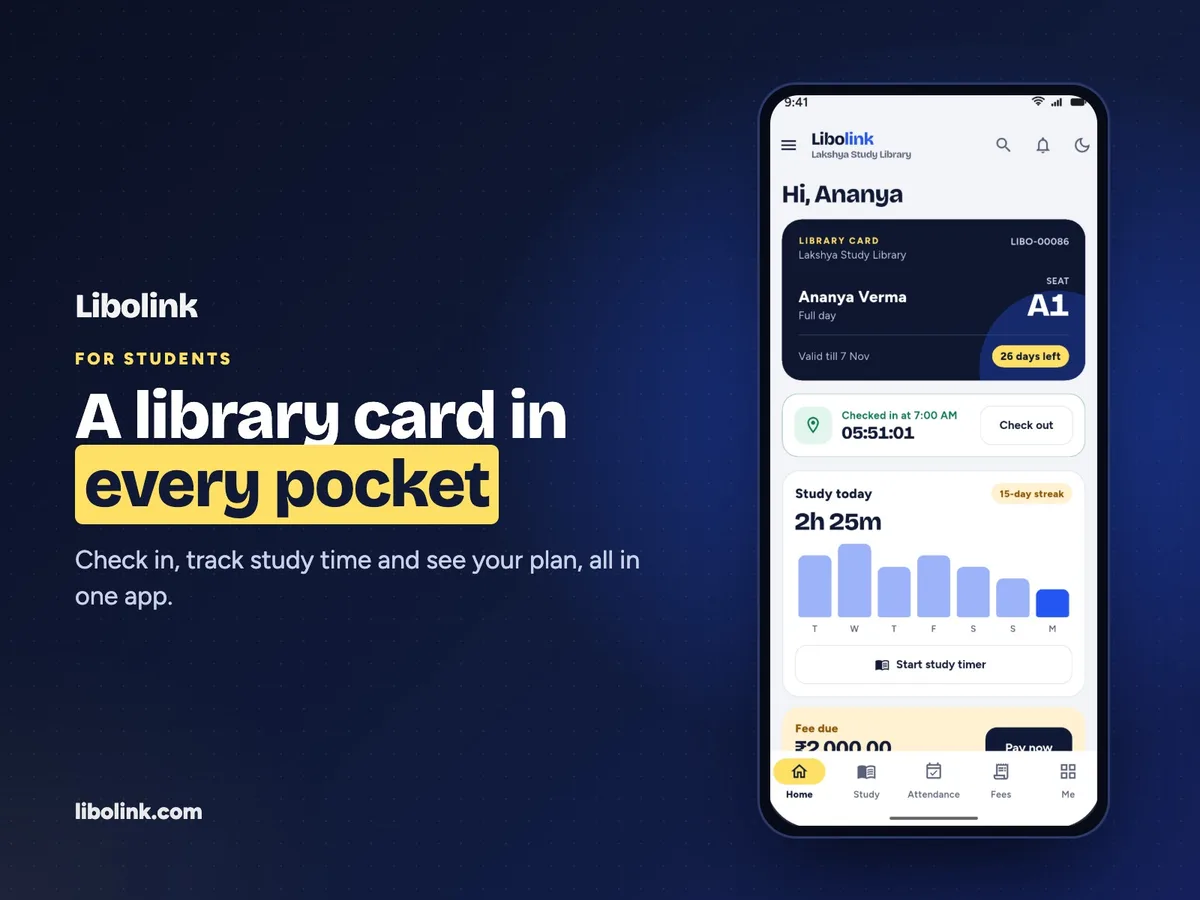
The smart door is part of the Libolink Pro and Business plans, and you can try it during the free 14-day trial, which includes every Pro feature. Add a door from Door lock in the owner menu: pair the Libolink box with a code, or send the details of your fingerprint or face machine. Students open the door from the Libolink app on Android or iPhone. Start a free 14-day trial, see the plans or contact us to set up a door at your library.
Frequently asked questions
Does Libolink work with a door lock?
Yes. The Libolink smart door box works with an electric lock and opens from the student's Libolink app only when their plan is active, their fees are inside your grace days and they are at the door. Opening also marks attendance. It is part of the Pro and Business plans.
Does Libolink work with biometric attendance machines?
Yes, on request. Fingerprint and face machines with a cloud server setting, such as eSSL and ZKTeco types, can be connected: send the brand and model from Door lock → Add a door, Libolink tests the model and turns it on, and each punch counts as a check-in.
Can a student open the door from home or share access?
No. Before it opens, the door box checks by itself that the student is standing at the door, so pressing the button from home or sharing a screenshot does not work.
What happens when a student's fees are due?
During the grace days you set, the door still opens and the app shows the amount due. After that, the door stays shut and the app shows the amount due; once the fee is paid, or you allow the student at the door, it opens straight away.
Can the owner open the door remotely?
Yes. The owner and staff with the door permission can open it from their phone from anywhere, and every opening is logged with the name and time. If the internet is down, the owner PIN opens the door over the library Wi-Fi.